Building Secure, Air-Gapped AI Assistants: A Deep Dive into Local LLM Integration with Python
The landscape of Artificial Intelligence is undergoing a seismic shift. While cloud-based APIs dominated the early generative AI era, the industry is rapidly pivoting toward Local LLM deployment and Edge AI. This transition is driven by a critical need for data privacy, reduced latency, and the ability to operate in air-gapped environments where internet connectivity is either unavailable or a security risk. For cybersecurity professionals, financial analysts, and developers, the ability to run sophisticated inference tasks offline is no longer a luxury—it is a necessity.
Building an autonomous assistant that runs entirely on local hardware involves more than just downloading a model weight file. It requires a robust architecture capable of integrating with system tools, analyzing complex data streams, and executing commands safely. With the rapid evolution of the Python ecosystem—including PyTorch news regarding quantization and Keras updates for backend agility—developers now have the toolkit to build military-grade assistants that rival cloud counterparts.
In this article, we will explore the technical architecture required to build a secure, offline AI assistant. We will cover the integration of LangChain updates for orchestration, the use of high-performance data libraries like Polars dataframe, and how modern Python tooling (like the Uv installer and Ruff linter) ensures code quality and Python security.
Section 1: The Foundation of Local Inference
The core of any offline assistant is the inference engine. Running Large Language Models (LLMs) locally requires efficient memory management and hardware acceleration. This is where quantization techniques and optimized runtimes come into play. We are moving away from heavy, unoptimized FP32 models toward GGUF formats and 4-bit quantization, allowing 7B or even 70B parameter models to run on consumer GPUs or high-RAM CPUs.
Orchestration with LangChain and LlamaIndex
To make a model useful, it needs context and agency. LangChain updates have introduced stable interfaces for connecting local models (via Ollama or Llama.cpp) to external tools. Similarly, LlamaIndex news highlights improved retrieval strategies (RAG) for local document stores. When building a cybersecurity assistant, for example, you aren’t just chatting; you are querying logs, analyzing PCAPs, or checking CVE databases.
Below is a practical example of setting up a local inference pipeline using langchain_community and llama-cpp-python. This setup ensures that no data leaves the local machine, satisfying strict Python security requirements.
from langchain_community.llms import LlamaCpp
from langchain_core.callbacks import CallbackManager, StreamingStdOutCallbackHandler
from langchain_core.prompts import PromptTemplate

# Setup callback for streaming output to console
callback_manager = CallbackManager([StreamingStdOutCallbackHandler()])

# Initialize the Local LLM
# Ensure you have a GGUF model path defined
llm = LlamaCpp(
    model_path="./models/mistral-7b-instruct-v0.2.Q4_K_M.gguf",
    temperature=0.1, # Low temperature for deterministic technical analysis
    max_tokens=2048,
    n_ctx=4096,      # Context window size
    top_p=1,
    callback_manager=callback_manager,
    verbose=True,    # Verbose is required to pass to the callback manager
    n_gpu_layers=-1  # Offload all layers to GPU if available
)

# Define a template suitable for a security analyst context
template = """
You are a local, air-gapped cybersecurity assistant.
You analyze threats based ONLY on the provided context.
Do not hallucinate external URLs.

Context: {question}

Analysis:
"""

prompt = PromptTemplate.from_template(template)

# Create a chain
llm_chain = prompt | llm

# Execute the chain
question = "Analyze the potential risks of leaving port 445 open on a Windows Server 2019."
llm_chain.invoke({"question": question})
This snippet demonstrates the baseline. However, the real power comes when we integrate this LLM with Python automation tools to interact with the operating system.

Section 2: Tool Integration and Function Calling
An air-gapped assistant is only as good as the tools it can wield. In a security context, this might involve wrapping tools like Nmap, YARA, or Metasploit. In Python finance or Algo trading contexts, this could involve local ledger analysis. The concept is “Function Calling”—the LLM outputs structured data (JSON) that triggers a Python function, rather than just text.
Building Custom Tools for Security Analysis
We can utilize the @tool decorator from LangChain to convert standard Python functions into tools the LLM can invoke. This is essential for tasks like Malware analysis where the LLM needs to trigger a scanner and interpret the results. We must also consider Type hints and MyPy updates to ensure our tool definitions are strictly typed, reducing runtime errors during autonomous execution.
import subprocess
import json
from langchain.tools import tool
from typing import Dict, Any

@tool
def run_port_scan(target_ip: str) -> str:
    """
    Executes a basic Nmap scan on a specific target IP address.
    Returns the scan output as a string.
    Useful for network reconnaissance and identifying open ports.
    """
    # Security check: Validate IP format to prevent command injection
    # In a real scenario, use a robust validation library
    if ";" in target_ip or " " in target_ip:
        return "Error: Invalid IP format detected."

    try:
        # Running a localized command without internet access
        result = subprocess.run(
            ["nmap", "-p", "1-1000", "-T4", target_ip],
            capture_output=True,
            text=True,
            timeout=60
        )
        return result.stdout
    except subprocess.TimeoutExpired:
        return "Error: Scan timed out."
    except Exception as e:
        return f"Error executing scan: {str(e)}"

@tool
def analyze_log_file(filepath: str) -> str:
    """
    Reads a local log file and returns the last 20 lines for analysis.
    Useful for identifying recent error patterns.
    """
    try:
        with open(filepath, 'r') as f:
            lines = f.readlines()
            return "".join(lines[-20:])
    except FileNotFoundError:
        return "Error: Log file not found."

# Example of how an agent would utilize these tools
# The LLM would generate the inputs for these functions based on user queries.
print(f"Tool 'run_port_scan' defined with args: {run_port_scan.args}")
By integrating tools like Scrapy updates for local intranet crawling or Playwright python for headless browser automation, the assistant becomes an active agent. For Python testing, you could even integrate Pytest plugins to have the LLM automatically run test suites against code repositories it analyzes.
Section 3: Advanced Optimization and Data Handling
Performance is paramount when running locally. You do not have the infinite scaling of the cloud. This brings us to modern Python performance enhancements. The recent discussions around GIL removal (Global Interpreter Lock) and Free threading in Python 3.13+ are game-changers for AI workloads. Removing the GIL allows Python to utilize multi-core processors truly effectively for CPU-bound tasks, which is crucial for local inference and data processing.
High-Performance Data Processing
If your assistant needs to analyze massive CSVs of network traffic or financial ledgers, standard Pandas updates might not be enough. Polars dataframe and DuckDB python offer significantly higher performance through memory efficiency and query optimization. Furthermore, for those looking at the bleeding edge, the Mojo language and Rust Python extensions are pushing the boundaries of what’s possible in local compute.
Here is an example of using Polars for rapid log analysis, which is significantly faster than Pandas for large datasets, integrated into an async workflow using FastAPI news concepts for serving the assistant locally.

import polars as pl
import asyncio
from typing import List

async def analyze_large_dataset(file_path: str) -> List[dict]:
    """
    Asynchronously processes a large CSV dataset using Polars.
    Polars utilizes all available CPU cores efficiently.
    """
    print(f"Loading data from {file_path}...")

    # Lazy execution allows query optimization before running
    q = (
        pl.scan_csv(file_path)
        .filter(pl.col("status_code") == 500)
        .group_by("endpoint")
        .agg([
            pl.count().alias("error_count"),
            pl.col("response_time").mean().alias("avg_latency")
        ])
        .sort("error_count", descending=True)
        .limit(5)
    )

    # Collect the result (execute the query)
    # In a real app, this would be offloaded to a thread to not block the event loop
    df_result = q.collect()

    return df_result.to_dicts()

async def main():
    # Simulate an async entry point for a local web server
    # This could be part of a Litestar framework or FastAPI app
    try:
        # Create a dummy file for demonstration
        df_dummy = pl.DataFrame({
            "endpoint": ["/api/v1/login", "/api/v1/data", "/api/v1/login"] * 1000,
            "status_code": [200, 500, 500] * 1000,
            "response_time": [120, 500, 450] * 1000
        })
        df_dummy.write_csv("server_logs.csv")

        top_errors = await analyze_large_dataset("server_logs.csv")
        print("Top Error Endpoints identified by Local Assistant:")
        print(json.dumps(top_errors, indent=2))

    except Exception as e:
        print(f"Analysis failed: {e}")

if __name__ == "__main__":
    asyncio.run(main())
This approach aligns with modern Ibis framework and PyArrow updates, ensuring that data moves between the CPU and the LLM context window with minimal serialization overhead.
Section 4: Ecosystem, Best Practices, and UI
Building the engine is half the battle; the environment and interface constitute the rest. The Python packaging landscape has improved dramatically. Using the Uv installer (written in Rust) or the Rye manager provides lightning-fast dependency resolution, which is vital when managing heavy AI libraries like PyTorch or TensorFlow. Security in dependencies is also critical; tools like PyPI safety checks should be part of your CI/CD pipeline.
User Interface and Code Quality
For a local tool, you need a responsive UI. While Django async is great for heavy backends, modern pure-Python UI frameworks like Reflex app, Flet ui, and Taipy news allow developers to build reactive web apps without writing JavaScript. For notebook-style interactions, Marimo notebooks offer a reproducible alternative to Jupyter.
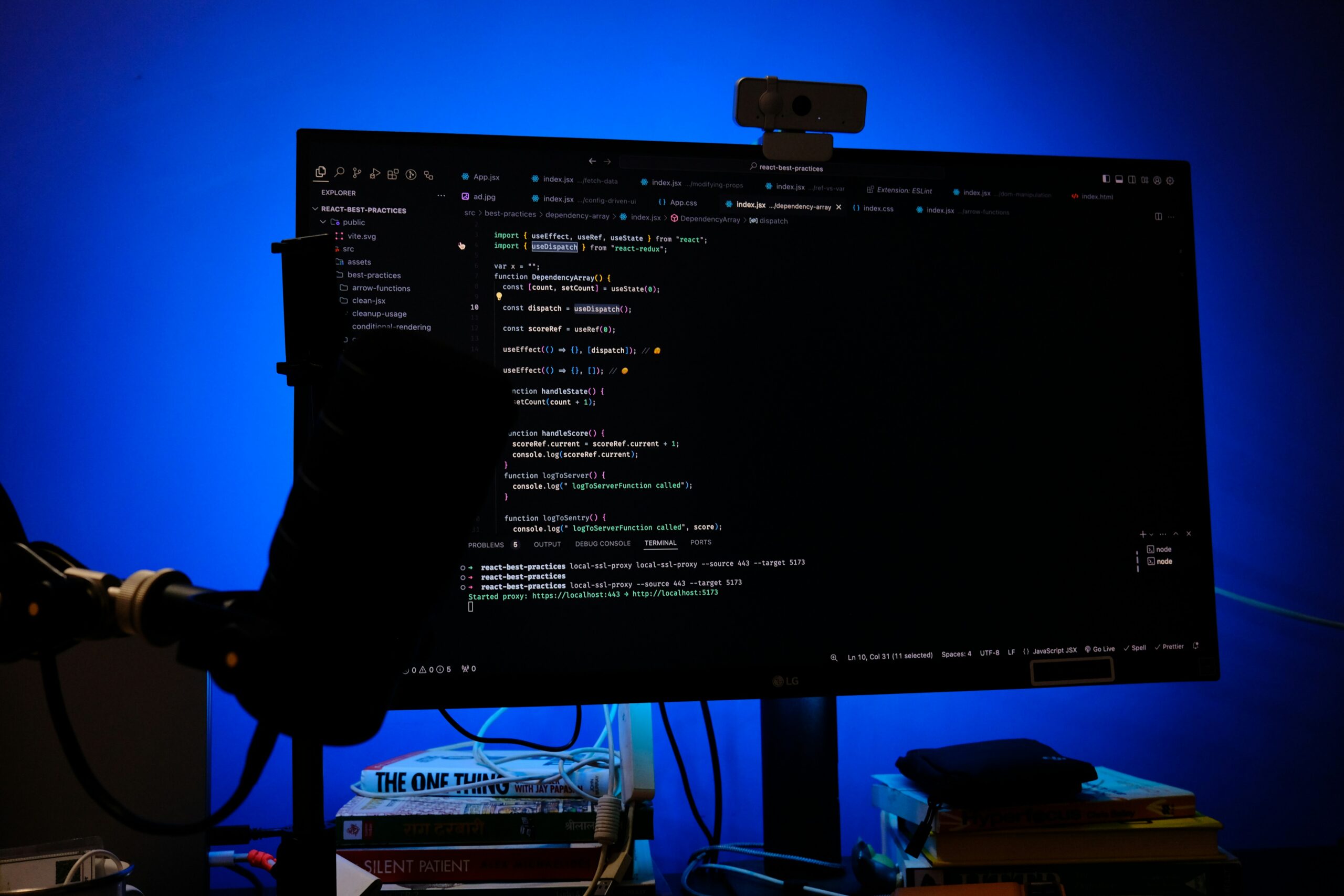
Furthermore, maintaining code quality in complex AI systems is non-negotiable. Utilizing the Ruff linter (an extremely fast replacement for Flake8) and the Black formatter ensures consistency. SonarLint python integration can help catch security hotspots early.
Here is a conceptual snippet for a simple UI using a modern Python framework approach (conceptually similar to Flet or Streamlit) to interact with our assistant:
# Conceptual example of a simple UI wrapper for a Local LLM
# This represents how frameworks like Flet or Streamlit structure apps

class LocalAssistantUI:
    def __init__(self):
        self.history = []

    def on_submit(self, user_input: str):
        """
        Handler for user input.
        In a real app, this calls the LangChain agent.
        """
        # 1. Append user message
        self.history.append({"role": "user", "content": user_input})

        # 2. Simulate LLM processing (e.g., calling the LlamaCpp chain)
        response = "Processing local analysis... [Simulated Output]"

        # 3. Append assistant response
        self.history.append({"role": "assistant", "content": response})

        # 4. Update UI state
        self.render_chat()

    def render_chat(self):
        print("\n--- Chat Interface ---")
        for msg in self.history:
            prefix = ">>" if msg['role'] == 'user' else "AI:"
            print(f"{prefix} {msg['content']}")

# Usage
app = LocalAssistantUI()
app.on_submit("Scan local subnet for vulnerabilities")
Conclusion and Future Outlook
The era of the “Local LLM” is here, empowered by significant strides in hardware efficiency and the Python ecosystem. By leveraging tools like LlamaIndex, Polars, and quantized models, developers can create air-gapped assistants that perform sensitive tasks—from Malware analysis to Algo trading—without a single byte of data leaving the premises. This approach maximizes security, reduces cloud costs, and guarantees availability.
Looking ahead, the integration of MicroPython updates and CircuitPython news suggests a future where LLMs might even run on edge microcontrollers. Simultaneously, the frontiers of Python quantum computing and Qiskit news hint at a distant future where local inference could be exponentially accelerated. For now, the combination of CPython internals optimization, Free threading, and robust tooling like Uv and Ruff provides a solid foundation for building the next generation of secure, offline AI tools.