Testing Python Agents is a Nightmare (Here’s How I Fix It)
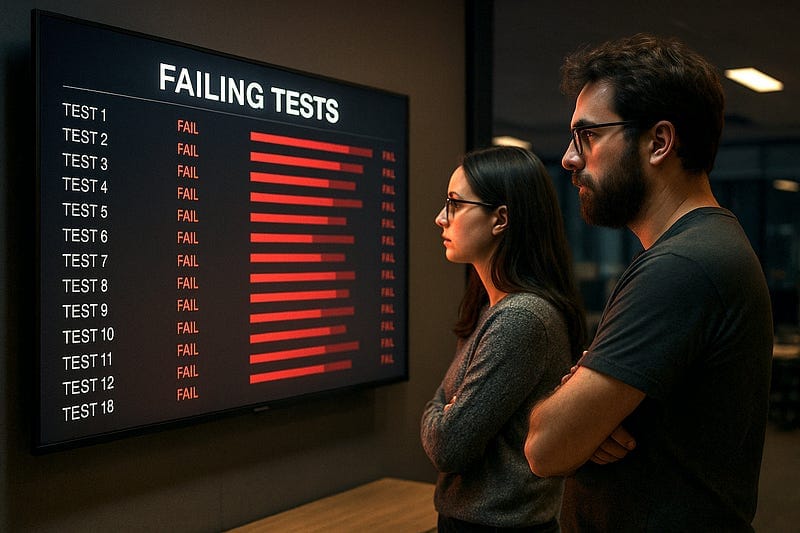
I spent the last three days debugging a graph-based workflow where three different AI agents were supposed to collaborate on ordering a pizza. It shouldn’t have been hard. But Agent A kept hallucinating that Agent B wanted pineapple, and Agent C would just time out because the async loop got stuck.
Standard unit tests were useless. Absolutely useless.
If you’re still writing assert result == "expected string" for modern Python applications, you’re probably having a bad time. The moment you introduce Large Language Models (LLMs) or complex asynchronous graphs into your codebase, the old rules of Test Driven Development (TDD) don’t just bend—they snap.
Here’s the thing: we aren’t building deterministic CRUD apps anymore. We’re building probabilistic systems. And testing a probabilistic system with deterministic assertions is like trying to catch smoke with a butterfly net. I’ve had to completely overhaul my testing strategy for 2025, and honestly? It’s messy. But it works.
The “Mock Everything” Trap
My first instinct was to mock the LLM calls. Obviously. You don’t want to burn API credits every time you run pytest. But I went too far. I mocked the agents, the database, and the vector store.
Result? My tests passed in 0.5 seconds. My production code crashed immediately.
The problem with mocking complex agent interactions is that you end up testing your mocks, not your logic. If your mock returns a perfectly formatted JSON object, but the real API returns a slightly malformed string that crashes your Pydantic parser, your green test suite is lying to you.
I stopped using generic mocks and switched to VCR.py. It records the actual HTTP interactions once and replays them. It’s cleaner, and it catches those weird header issues you always forget about.
import pytest
import vcr
import asyncio
from my_agent_app import PizzaAgent

# Configure VCR to filter out your API keys so you don't commit them to GitHub
my_vcr = vcr.VCR(
    filter_headers=['Authorization'],
    cassette_library_dir='tests/fixtures/cassettes',
    record_mode='once',
)

@pytest.mark.asyncio
@my_vcr.use_cassette('pizza_order_pepperoni.yaml')
async def test_agent_negotiation():
    agent = PizzaAgent(role="order_taker")

    # This actually hits the API the first time, then replays from YAML
    response = await agent.process_order("I want a pepperoni pizza")

    # We can't check exact string equality, so we check structure
    assert response.status == "confirmed"
    assert "pepperoni" in response.items
    assert response.price > 0
This approach saved my sanity. I get the determinism of a mock but the reality of actual API data.
Testing the “Fuzzy” Logic
But what about the content? If I ask an agent to “summarize the order,” it might say “One pepperoni pizza” today and “A single pizza with pepperoni” tomorrow. Both are correct. assert thinks one is a failure.
I started using “semantic assertions.” Basically, I use a smaller, cheaper local model (or a very strict rule-based check) to verify the meaning of the output rather than the syntax.
It sounds overkill, but for critical workflows, it’s the only way. I wrote a little helper for this:
from typing import List

def semantic_assert(actual: str, expected_concepts: List[str]):
    """
    Checks if key concepts are present in the output.
    In a real scenario, this might call a small BERT model
    or use fuzzy matching.
    """
    actual_lower = actual.lower()
    missing = []

    for concept in expected_concepts:
        if concept.lower() not in actual_lower:
            # Fallback: check for synonyms if you want to get fancy
            missing.append(concept)

    if missing:
        raise AssertionError(
            f"Output '{actual}' missed concepts: {missing}"
        )

def test_summary_generation():
    output = "The customer has ordered a large pizza with cheese."

    # This passes regardless of phrasing
    semantic_assert(output, ["customer", "ordered", "pizza"])
Is it perfect? No. Does it catch the agent going completely off the rails and talking about the weather? Yes.
Visualizing the Graph
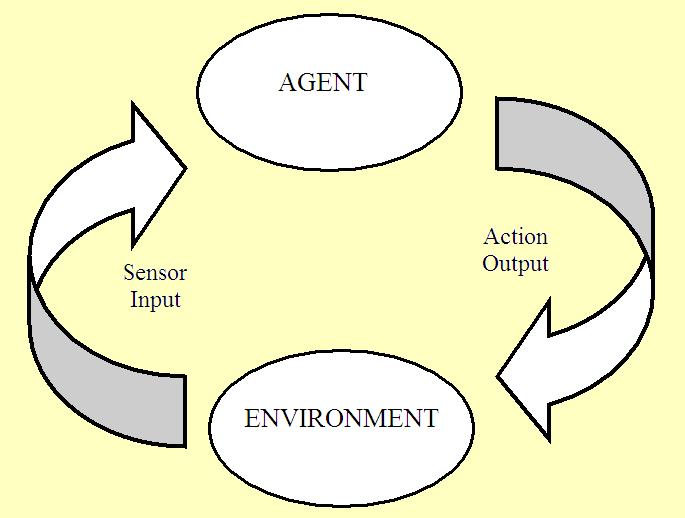
Here is where I hit a wall last week. I had a workflow where Agent A passes data to Agent B, which loops back to Agent A if the data is incomplete. It’s a graph. Debugging this with print statements is a special kind of torture.
CLI output just isn’t enough when you have parallel async tasks running. You lose track of who said what and when.
I realized I needed a “DevUI” for my tests. Not a full product, just a way to see the flow. I hacked together a simple logging handler that dumps the execution trace to a JSON file, which I can then load into a simple viewer (or even just Firefox) to see the tree structure.
If you are building multi-agent systems, observability is testing. You cannot write a unit test for “does the conversation drift?” You have to see it.
import json
import time
from dataclasses import dataclass, asdict

@dataclass
class TraceStep:
    agent_name: str
    action: str
    input_data: dict
    output_data: dict
    timestamp: float = 0.0

class TestTracer:
    def __init__(self):
        self.steps = []

    def log(self, agent, action, inp, out):
        step = TraceStep(
            agent_name=agent,
            action=action,
            input_data=inp,
            output_data=out,
            timestamp=time.time()
        )
        self.steps.append(step)

    def save(self, filename="test_trace.json"):
        with open(filename, "w") as f:
            json.dump([asdict(s) for s in self.steps], f, indent=2)

# Usage in your async workflow
async def run_workflow(tracer: TestTracer):
    tracer.log("Manager", "Start", {"task": "build app"}, {})
    # ... workflow runs ...
    tracer.log("Coder", "Write Code", {}, {"status": "done"})
I run my test suite, it generates these JSON files, and if a test fails, I open the file. I can instantly see that Agent B received an empty dictionary because Agent A crashed silently.
The Asyncio Headache
Python’s asyncio is great until you try to test it. pytest-asyncio is the standard, but you have to be careful with event loops. I’ve been burned by tests that hang forever because a background task never got cancelled.
My rule now: Always set timeouts on your tests.
If an agent loop gets stuck effectively “thinking” forever, I don’t want my CI pipeline to run for 6 hours.
import pytest
import asyncio

# The strict timeout saves you when your agent gets into an infinite retry loop
@pytest.mark.asyncio
@pytest.mark.timeout(10)  # pip install pytest-timeout
async def test_infinite_loop_prevention():
    async def confused_agent():
        while True:
            await asyncio.sleep(0.1)
            # Simulating an agent that never decides to stop

    # This ensures we fail fast
    with pytest.raises(asyncio.TimeoutError):
        await asyncio.wait_for(confused_agent(), timeout=1.0)
Just Ship It (But Verify First)
We have to get comfortable with “good enough” testing. You can’t cover every permutation of an LLM’s output. You just can’t.
Focus on the structure. Does the JSON parse? Do the agents hand off control correctly? Does the system handle timeouts gracefully? If you can verify those mechanics, you can trust the probabilistic parts a little more. Just don’t trust them completely.